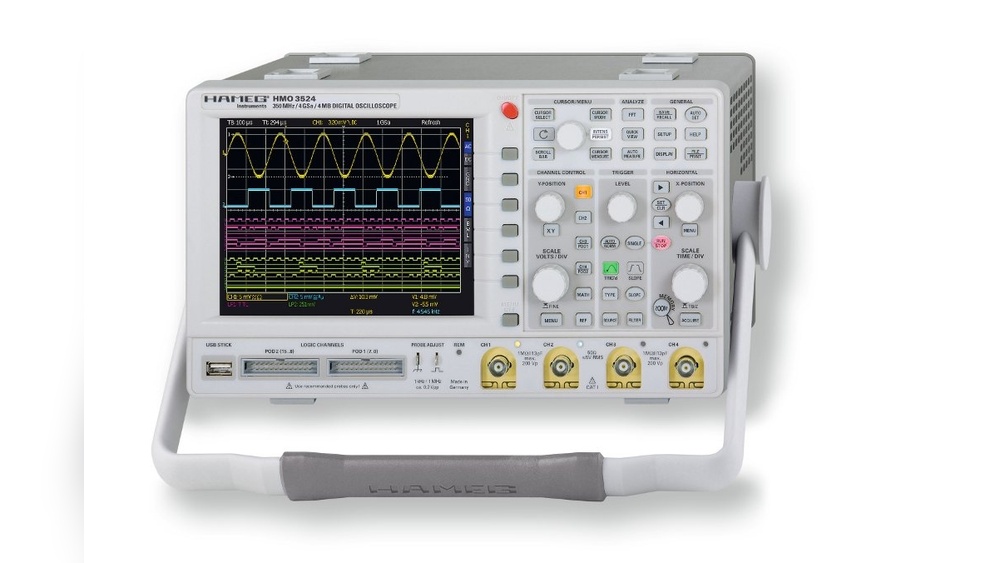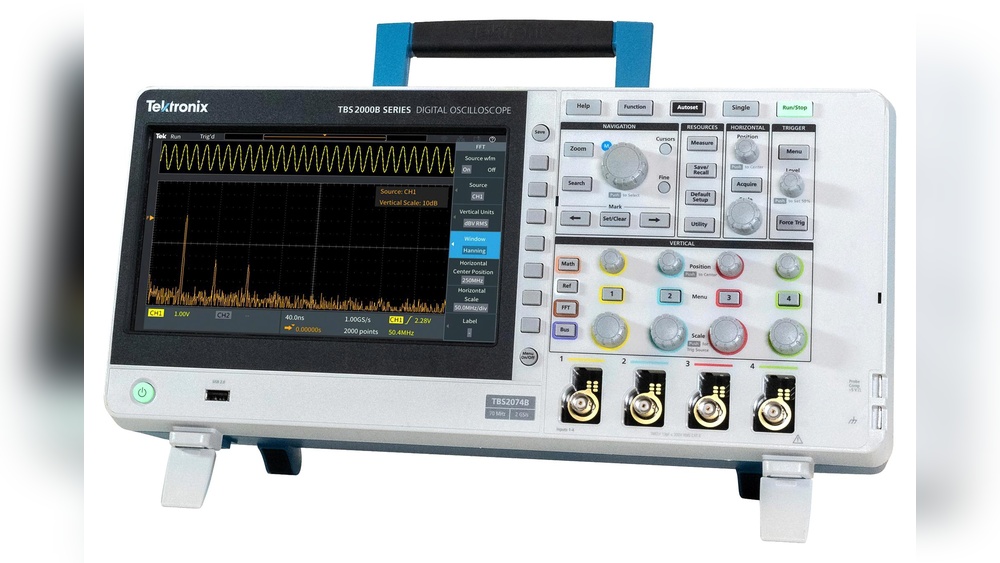
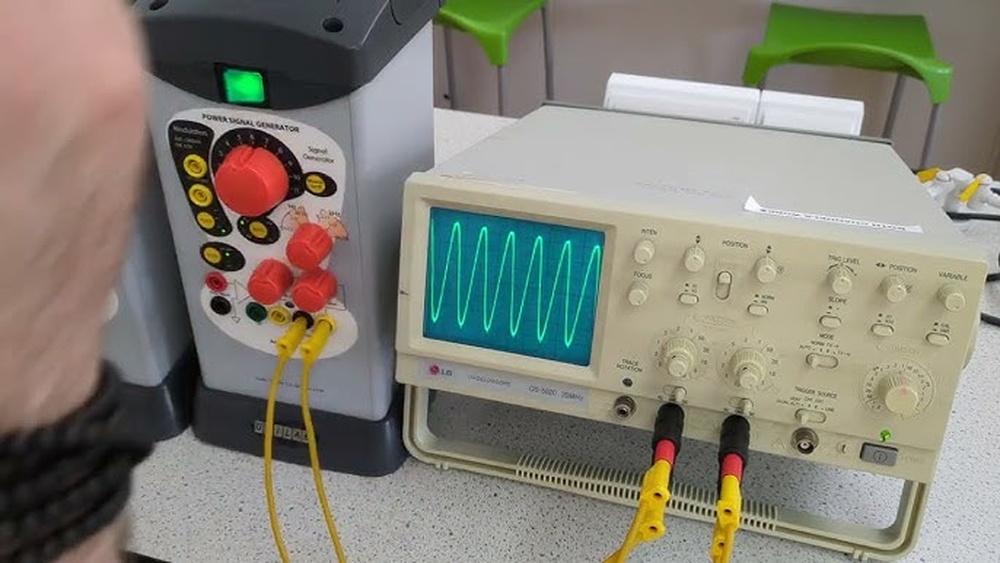
Have you ever wondered how engineers and technicians see electrical signals in action? A Cathode Ray Oscilloscope (CRO) is the tool that makes this possible.
If you work with electronics or are curious about how signals are measured and displayed, understanding what a CRO does can give you a clear edge. This device turns invisible electrical waves into visible patterns on a screen, helping you analyze and troubleshoot circuits with ease.
Keep reading to discover how a Cathode Ray Oscilloscope works and why it might become your go-to instrument for all things electronic.
Basics Of Cathode Ray Oscilloscope
The cathode ray oscilloscope (CRO) is a tool that shows electrical signals on a screen. It helps people see how signals change over time. This device is key in electronics and science. Understanding its basics is important for beginners and experts alike.
Key Components
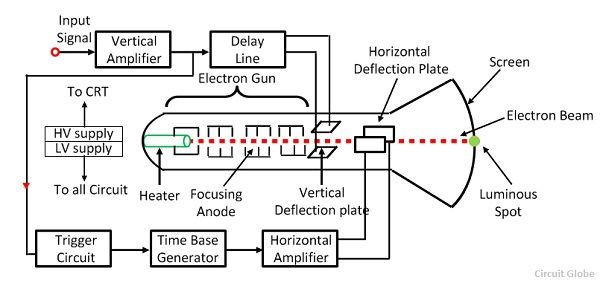
A cathode ray oscilloscope has several main parts. First is the cathode, which produces electrons. Then comes the electron gun, which directs these electrons into a narrow beam. The beam passes through deflection plates that move it up, down, left, or right. Finally, the screen glows where the beam hits, showing the signal visually.
How It Works
The electron gun shoots a focused beam inside a vacuum tube. This beam moves based on the electric signals from the input. The deflection plates control the beam’s path, tracing the signal shape on the screen. The glowing spot on the screen changes position quickly, creating a waveform. This waveform represents the signal’s voltage over time, making it easy to analyze.

Credit: classes.oc.edu
Signal Visualization
The cathode ray oscilloscope (CRO) helps show electrical signals visually. It turns invisible signals into clear images on a screen. This makes it easier to study how signals behave over time. Signal visualization is key to understanding many types of electronic data.
Through visualization, users see changes in electrical signals quickly. This helps in testing circuits and fixing problems. The CRO shows real-time waveforms, revealing signal shape, size, and timing.
Waveform Display
The CRO displays waveforms as bright lines on its screen. Each waveform represents an electrical signal changing over time. Users watch these lines to see if signals behave correctly. Shapes like sine waves, square waves, and pulses appear clearly. This visual feedback helps detect errors or noise in circuits. Observing waveforms is essential for engineers and technicians.
Amplitude And Frequency Measurement
The CRO measures signal amplitude and frequency with precision. Amplitude shows how strong or weak a signal is. Frequency tells how fast the signal repeats itself. Both are shown visually and numerically on the screen. Measuring these helps users understand signal quality and timing. Accurate readings ensure electronic devices work as intended.
Time Measurement Features
The time measurement features of a cathode ray oscilloscope (CRO) help users observe and measure signals over time. These features make it easier to analyze electrical waveforms. They show how signals change and interact within a certain time frame.
With these tools, users can study the timing of pulses, frequency, and time intervals. They reveal important details about signal behavior. This information is crucial for troubleshooting and testing electronic circuits.
Time Interval Analysis
Time interval analysis measures the time between two points on a waveform. This helps identify pulse width, frequency, and signal delay. Users can check how long a signal lasts or the gap between signals.
The CRO calculates these intervals accurately. It displays the results on the screen for easy reading. This feature is useful in timing circuits and communication signals.
Triggering Functions
Triggering functions stabilize the waveform display. They make the signal start at the same point every time. This prevents the waveform from moving sideways or flickering.
Users set the trigger level and slope to catch specific parts of the signal. Triggering helps view repeating signals clearly. It is essential for capturing events that happen quickly or rarely.
Voltage Analysis Capabilities
A Cathode Ray Oscilloscope (CRO) is a powerful tool for studying electrical signals. It helps users see voltage changes clearly. This device shows voltage as a wave on its screen. The CRO makes it easy to check how voltage behaves over time. This ability is key for many electronics tasks.
Understanding voltage helps in fixing circuits and testing devices. The CRO captures the voltage signal and displays it in real time. This way, users can watch the voltage rise and fall. It also measures the strength and timing of electrical signals.
Peak Voltage Detection
The CRO can find the highest voltage point in a signal. This peak voltage shows the maximum energy in a circuit. Knowing the peak voltage helps avoid damage to parts. The device displays this peak clearly on the screen. This feature is useful for checking power supplies and signals.
Voltage Variations Over Time
The CRO tracks how voltage changes second by second. It draws these changes as a moving wave on the screen. This makes it easy to spot patterns or sudden shifts. Users can see if the voltage stays steady or jumps up and down. This insight helps find problems in circuits quickly.
Advanced Functions
The cathode ray oscilloscope (CRO) offers advanced functions that help users analyze electronic signals more deeply. These features go beyond basic waveform display. They make complex tasks easier and more accurate. Understanding these functions can improve how you test and measure signals.
Signal Comparison
Signal comparison lets you view two or more signals at the same time. This feature helps find differences and similarities quickly. You can check how signals change over time or react to events. Engineers use signal comparison to diagnose circuit problems fast.
By comparing signals side by side, you spot issues that may not be clear otherwise. This saves time and reduces errors in testing. The CRO can overlay waveforms or show them on separate channels for easy analysis.
Storage And Recall
Storage and recall allow saving waveforms for future use. This function helps keep important signal data without needing to capture it again. You can store multiple waveforms and recall them for comparison or review.
Saving waveforms is useful for long-term projects or repeated tests. It also helps create records for reports and troubleshooting. Stored data can be reviewed anytime without resetting the device or signal source.
Credit: circuitglobe.com
Applications Across Fields
The cathode ray oscilloscope (CRO) is a versatile tool used in many fields. It shows electrical signals on a screen. This helps users understand how circuits and devices work. The CRO’s clear display makes it useful across industries. Its ability to measure voltage and time is key.
People rely on CROs for testing, diagnosis, and learning. They help solve problems and improve designs. The following sections explain how CROs serve different fields.
Electronics Testing
Electronics engineers use CROs to check circuits. They observe waveforms and signal patterns easily. This helps find faults like shorts or breaks. CROs measure frequency, amplitude, and timing in devices. They verify if circuits work as planned. Quick diagnosis saves time and resources.
Medical Equipment
Hospitals use CROs to check medical devices. Equipment like heart monitors and EEG machines rely on signals. CROs display these signals clearly for doctors and technicians. They ensure machines deliver accurate results. Regular testing prevents device failures during patient care.
Educational Use
Students learn about electricity and signals with CROs. Teachers use them to show waveforms in real-time. They make abstract concepts easy to see and understand. Hands-on CRO use builds practical skills. It prepares students for work in science and engineering.
Credit: www.digikey.com
Frequently Asked Questions
What Is The Primary Function Of A Cathode Ray Oscilloscope?
A cathode ray oscilloscope visually displays electrical signals as waveforms. It helps analyze voltage changes over time. Engineers use it to diagnose circuit behavior and measure signal frequency, amplitude, and phase.
How Does A Cathode Ray Oscilloscope Work?
It uses an electron beam to trace waveforms on a fluorescent screen. Voltage signals control the beam’s movement horizontally and vertically, creating a visual representation of the signal’s voltage versus time.
What Industries Use Cathode Ray Oscilloscopes Most?
Electronics, telecommunications, automotive, and medical industries commonly use them. They assist in testing, troubleshooting, and designing electronic devices and systems by providing real-time signal analysis.
Can A Cathode Ray Oscilloscope Measure Signal Frequency?
Yes, it accurately measures signal frequency by displaying waveform cycles. Users count the cycles over time intervals to determine frequency, essential in signal processing and communication systems.
Conclusion
A Cathode Ray Oscilloscope shows electrical signals clearly on a screen. It helps people see how signals change over time. Engineers use it to find problems in circuits quickly. Students learn about waveforms and signal patterns with it. This device makes complex signals easier to understand.
Anyone working with electronics finds it very useful. Understanding what it does can improve your tech skills. Simple, clear, and helpful—this tool is key in electronics.

I’m Asif Ur Rahman Adib, an Electrical Engineer and lecturer. My journey began in the lab, watching students struggle with instruments they used every day without fully understanding them. Over time, I’ve combined teaching, research, and hands-on experience to help others grasp electrical concepts clearly, safely, and practically—whether it’s understanding a circuit or mastering a multimeter.